Hi Friends,
Whimsy now carries a variety of digital images, sentiment sets, and papers. In this post you will find some tips and tricks for working with your digital files.
Microsoft Word:
Open a new document. Select Insert and then click picture, find the image you want and click to open. To resize just select the image and then with your mouse drag a corner out to make it larger or push a corner in to make it smaller. Print and color.
If you want to create more effects on the image before printing, choose format and from there you can add frames or crop the image, or rotate to flip the direction, and even add different artistic effects. There is also an option to change the line color, so if you wanted to do the no lines coloring technique you would select that option and find a line color you like and select it. Once you are happy with the image, print for your project and then close the document. You can save to print again or just delete.
If you aren't happy with any changes you have made, from the format tab you can choose reset picture to go back to the original image. Word can do many different things, but if you have photo editing programs you will be able to more easily work with digital images, including merging images together before printing.
Using Word to print a digital file with multiple sentiments or images on the one sheet? Most Microsoft computers come with the Picture Manager - which includes and edit button and a crop option. Use that to crop out the image/sentiment you want and save it as a separate file in your picture folder. From there it can be brought into the Word document, sized and printed.
To crop an image:Select the image you want to crop. The Format tab appears.
On the Format tab, click the Crop command. Clicking the Crop command.
Cropping handles will appear around the image. Click, hold, and drag a handle to crop the image. Cropping an image.
Click the Crop command again. The image will be cropped
Paint:
The video below will show how to work with digital images using the free Paint program included on most Windows based computers.
Photoshop:
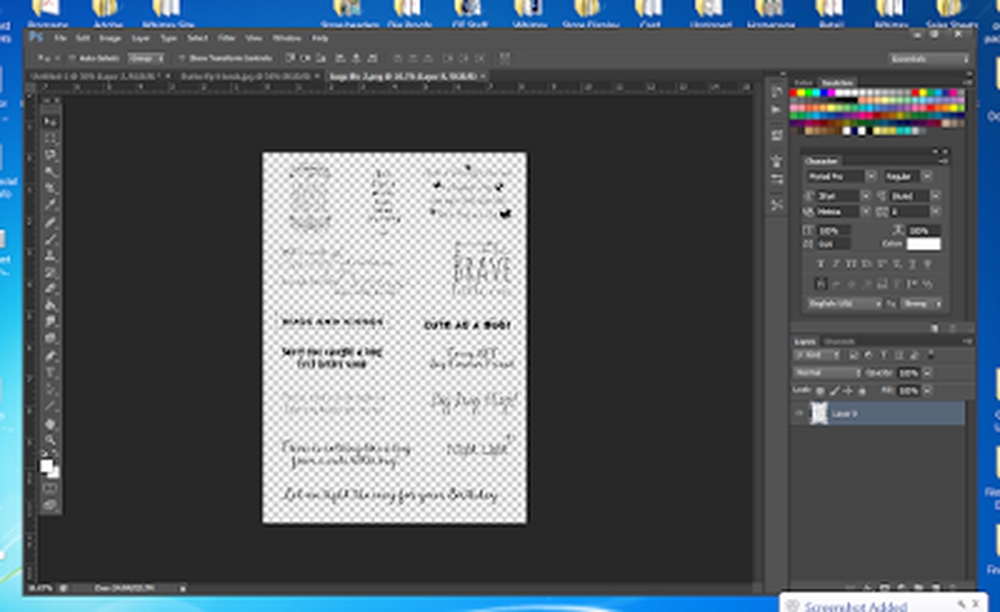
Open a new document to the size you want your printed image to be. Then open your image file.
If you want to add a sentiment to your image before printing open the PNG version of the sentiment file as well.
Now select the image file and copy and paste to your new document file. If you need to resize or flip, use the edit-->free transform option, make your changes and then apply them. Then choose the sentiment you want to use, select it and copy and paste that to your new document file. Same as with the image, if you need to resize use edit -->free transform. Position where you want the sentiment to be and then print the file. You can save this new image file or just delete it.
We will add to this post as necessary, but we hope this will help you with printing and using your digital images from Whimsy Stamps.